Loading Project Media
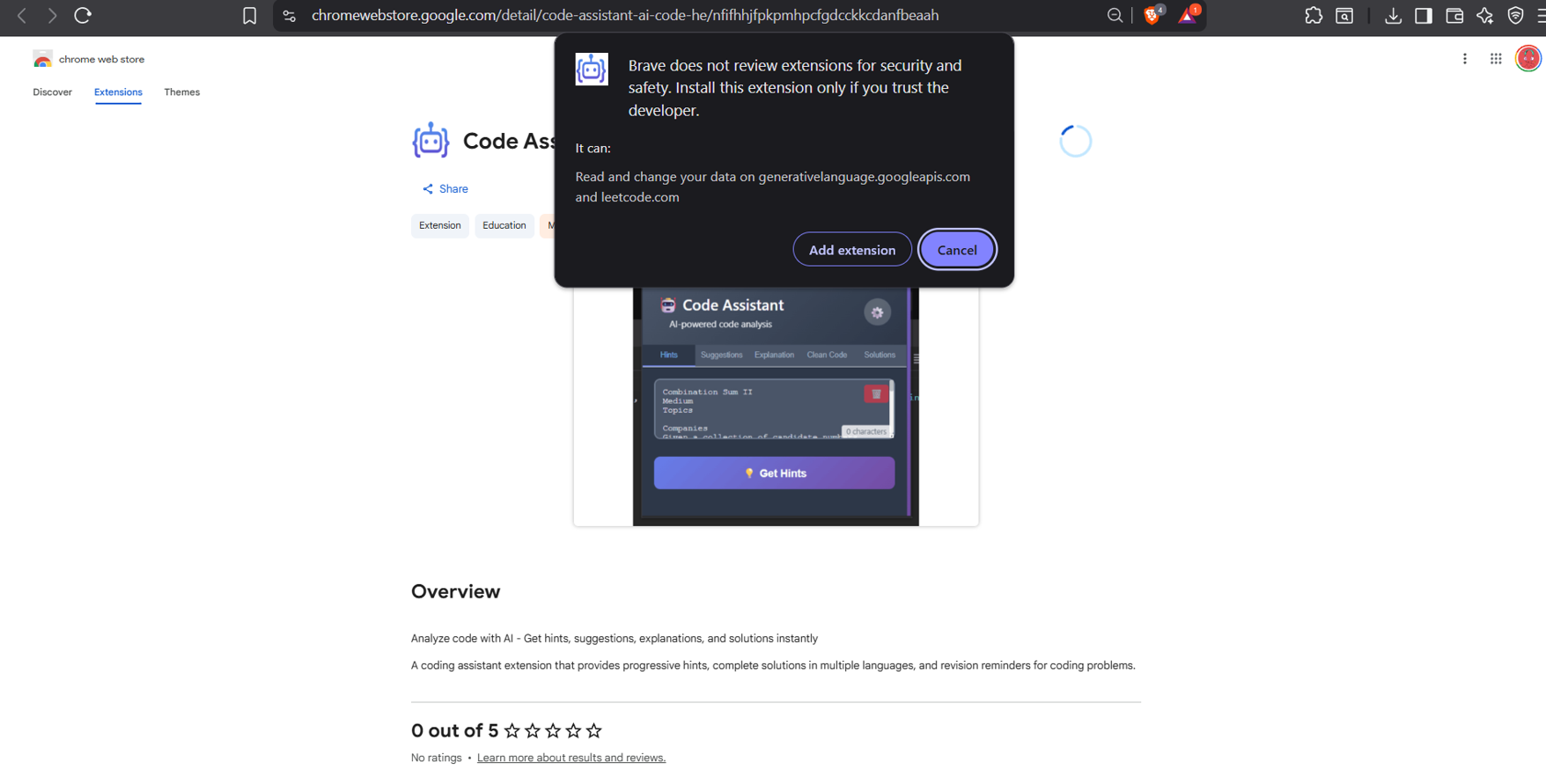
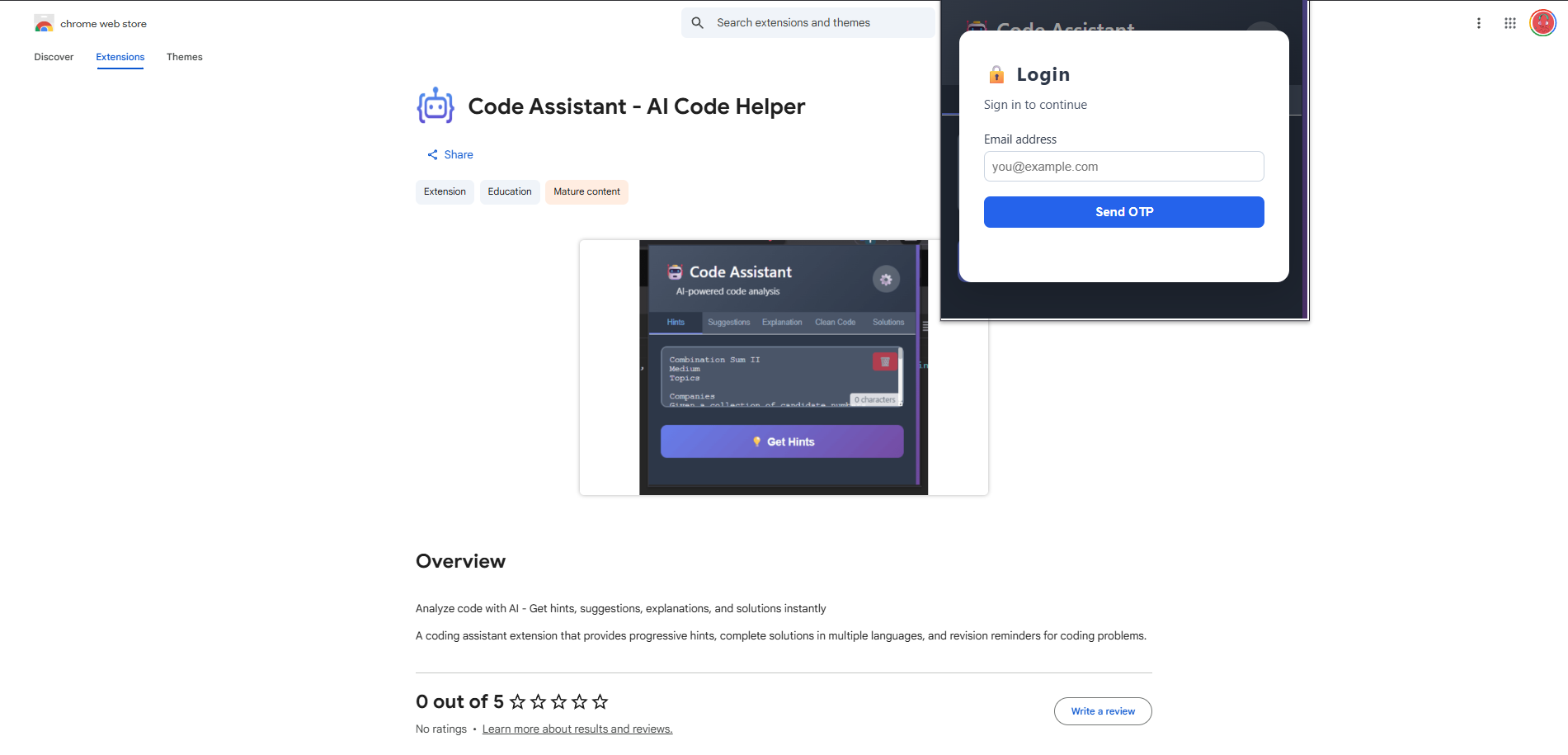
Published on both the Chrome Web Store and the VS Code Marketplace.
Tech Stack
JavaScript, Gemini API, Chrome Extension API, VS Code Extension API
Description
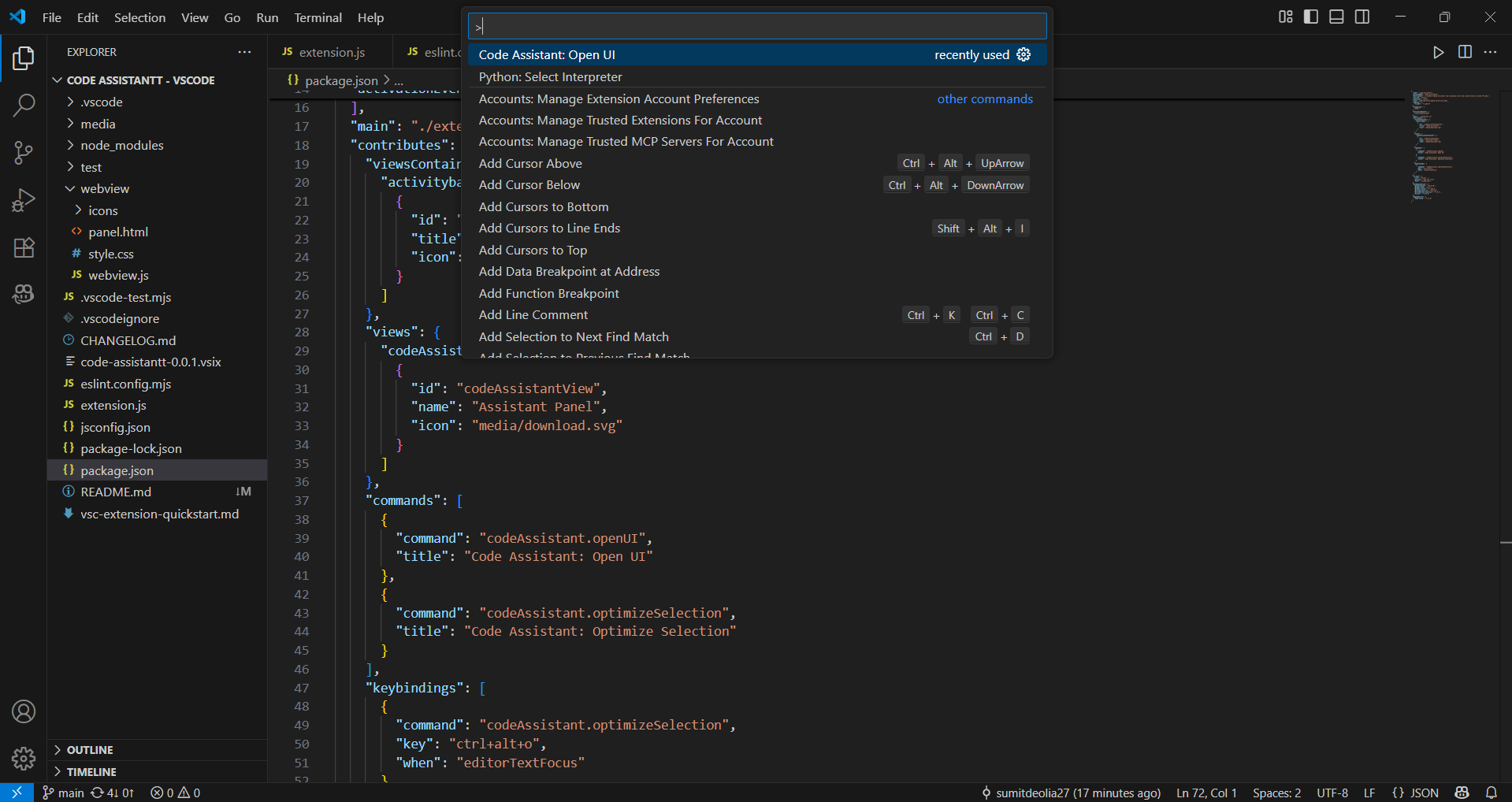
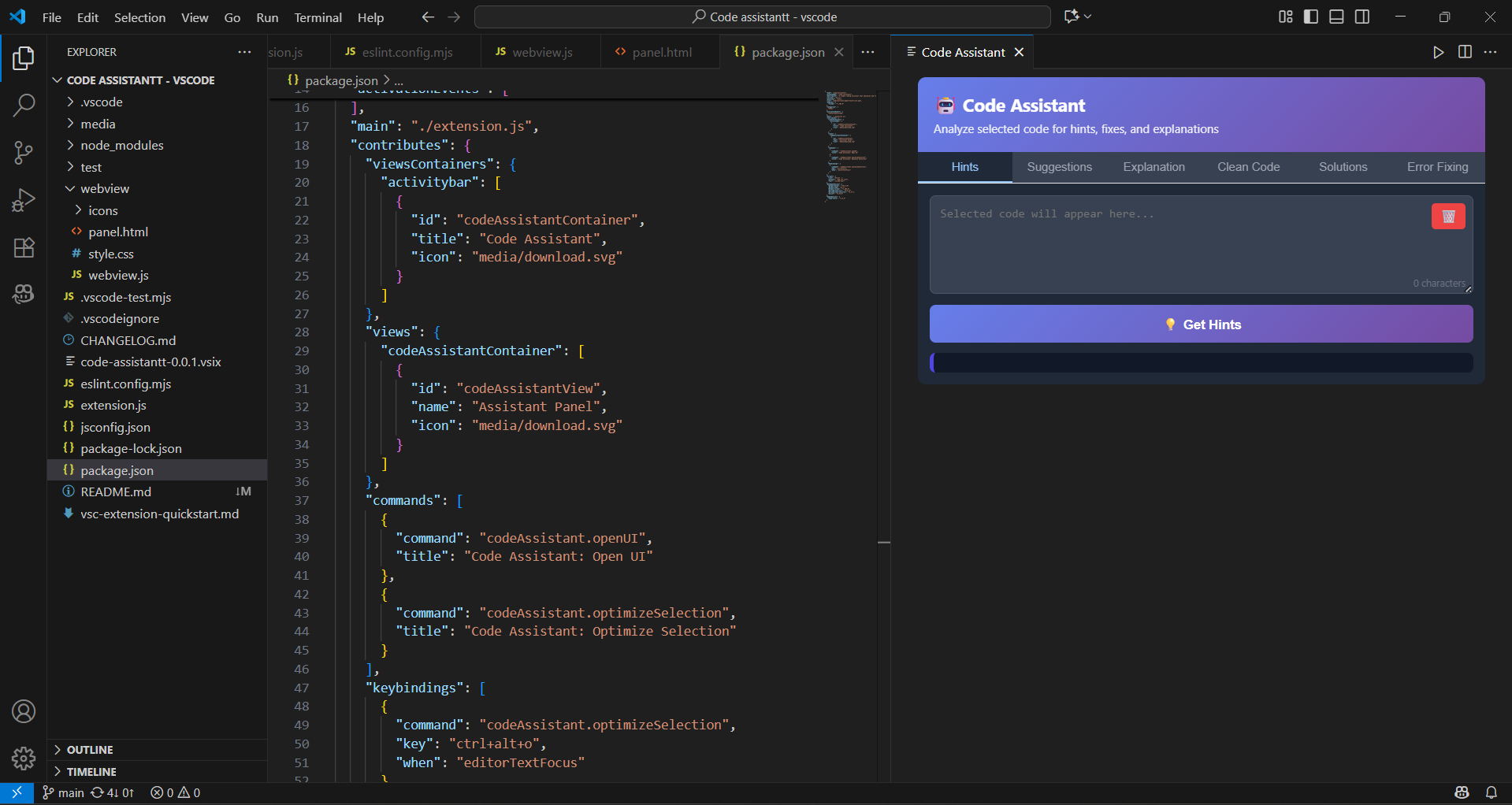
A pair of shipped developer extensions — one for Chrome, one for VS Code — that bring code explanation and debugging help into the places developers already work. Both are publicly listed on their respective marketplaces. The Chrome extension offers six analysis modes (hints, suggestions, explanation, clean code, alternative solutions, and error fixing) reachable through a tabbed popup, a right-click context menu on selected code, a Ctrl+Shift+Space shortcut, and auto-detected buttons on code blocks. The VS Code extension surfaces the same assistance inside the editor through the command palette, with multi-language support across Python, C, C++, Java, and JavaScript.
My Role
- Built and published a Chrome extension to the Chrome Web Store, exposing six distinct code-analysis modes through a tabbed popup interface.
- Built and published a VS Code extension to the Visual Studio Marketplace, invoked through the editor command palette.
- Integrated the Google Gemini API to generate contextual explanations, refactoring suggestions, and debugging help.
- Implemented multiple entry points in the browser — context menu on selected code, a keyboard shortcut, and auto-injected buttons on detected code blocks.
- Added client-side API key storage, clipboard copy of results, and loading indicators for in-flight analysis.
Loading Media...
Loading Media...
Loading Media...
Loading Media...
Have a project in mind?
sumitdeolia9@gmail.com